Less time explaining your product. More time building it.
Kookee gives your product a help center, release notes, a blog, a roadmap and a status page. Publish them as a hosted portal in one click, or add them to your own site with ready-made components. A chat box answers customers from your help articles.
Free plan, no credit card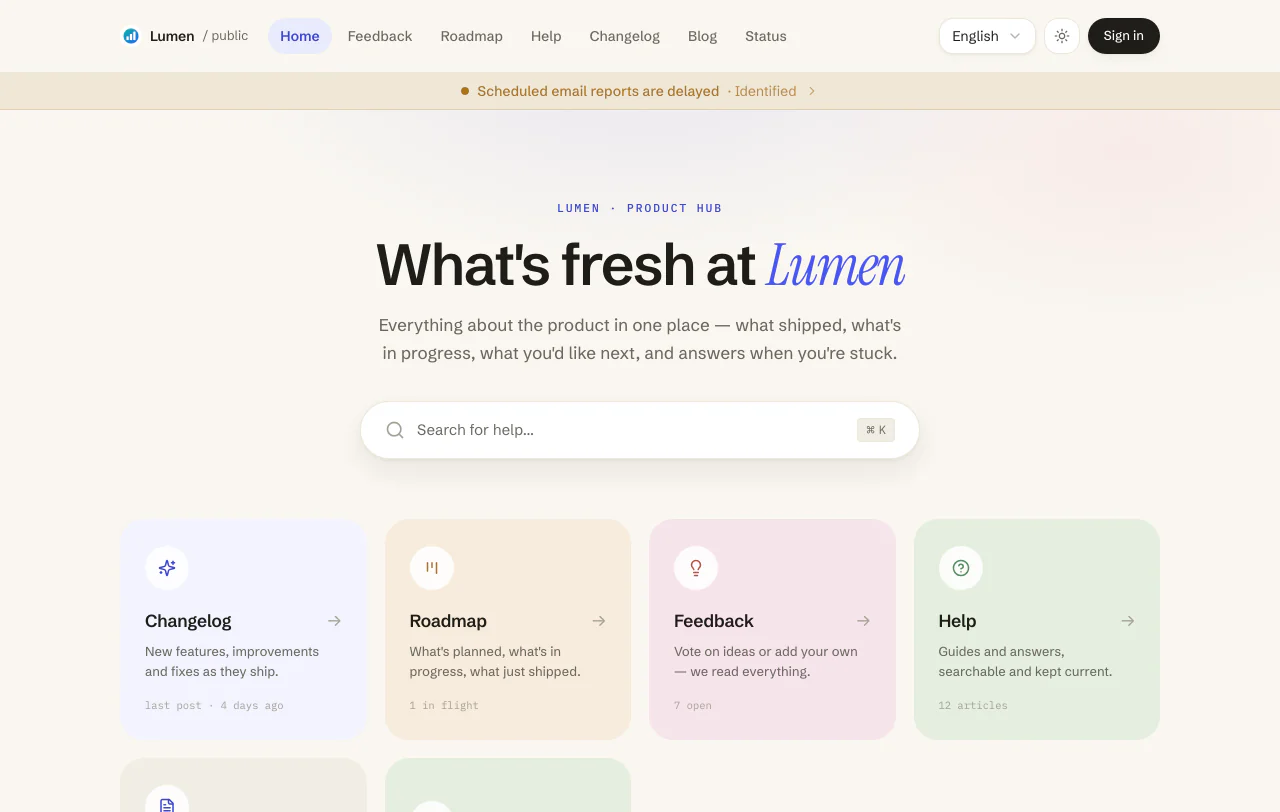
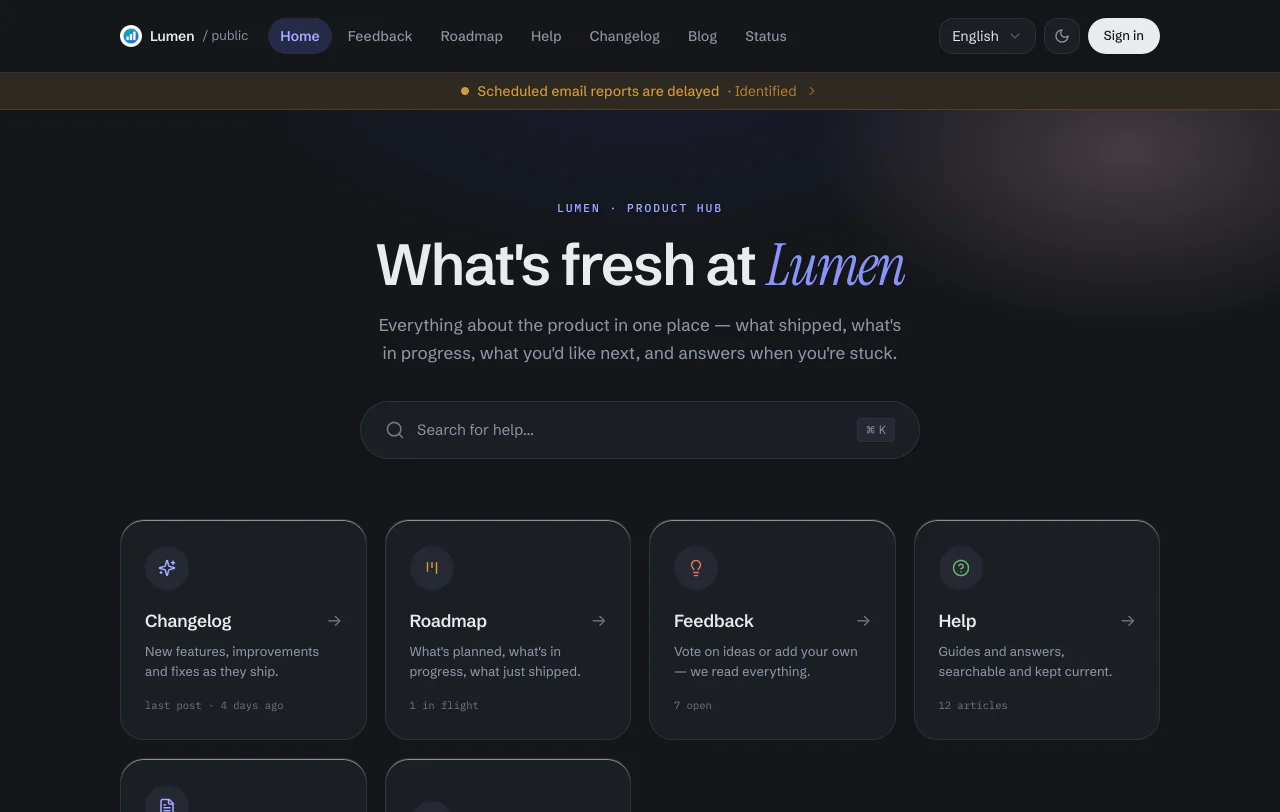
On our portal, or on your own site.
Start with the hosted portal and build your own pages when you want them. Both show the same content.
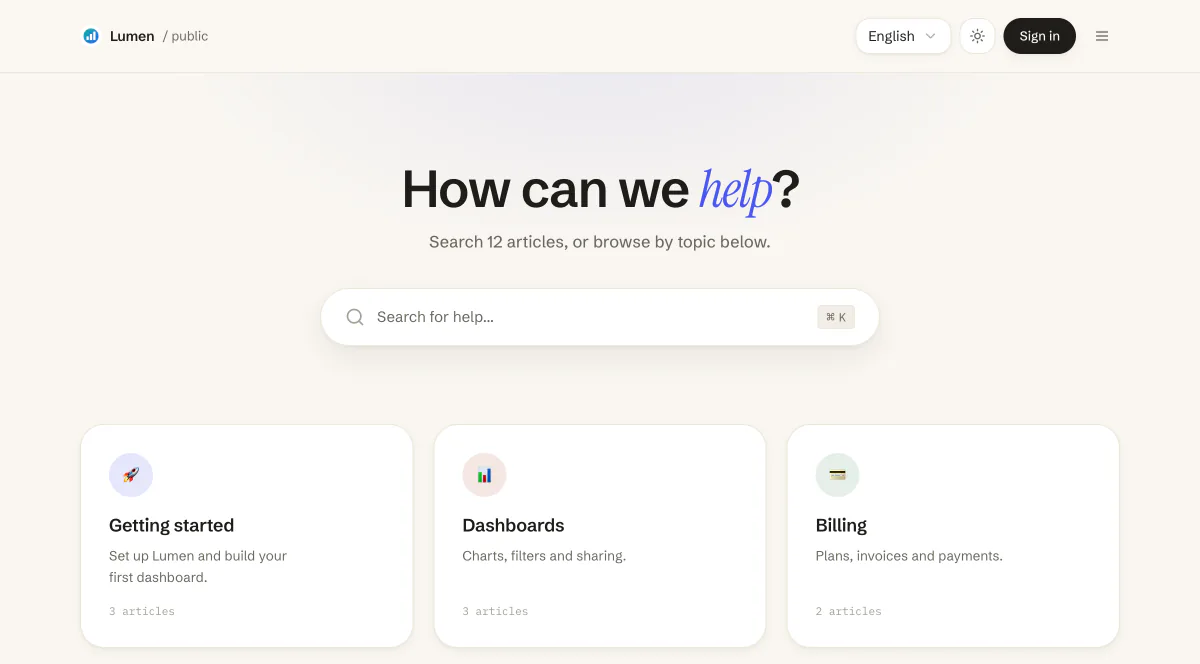
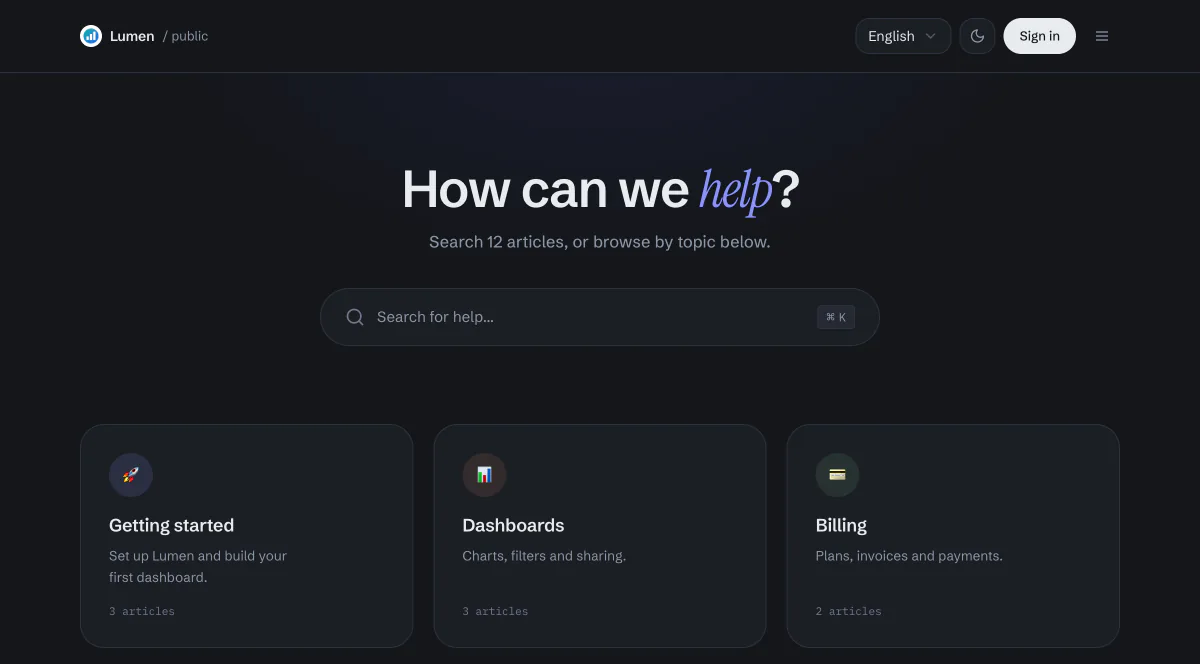
Hosted portal
Turn it on and your pages are live at your-project.kookee.dev. No code and no hosting.
- Help center, changelog, blog, roadmap and feedback board: turn on the ones you want
- Customers sign in to vote and comment
- It lives on a kookee.dev subdomain, not on your own domain
Your own site
Fetch content with the TypeScript SDK or the REST API, or drop in the React components. Your URLs, your design, your search rankings.
import { Kookee } from '@kookee/sdk';import { BlogPostList } from '@kookee/react/blog'; const kookee = new Kookee({ apiKey: process.env.KOOKEE_API_KEY,}); export default async function BlogPage() { const { data: posts } = await kookee.blog.list(); return ( <BlogPostList posts={posts} href="/blog/{slug}" /> );}The SDK also builds your sitemap, RSS feeds, JSON-LD and llms.txt.
Your docs answer your customers.
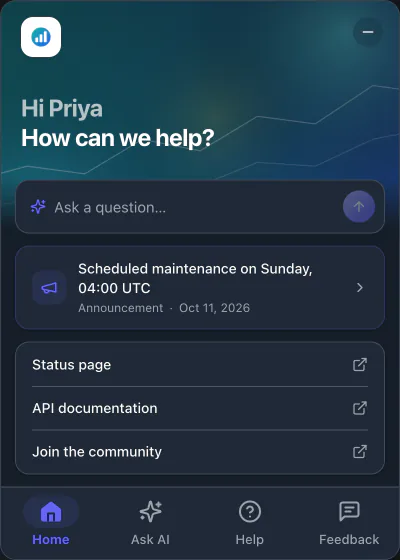
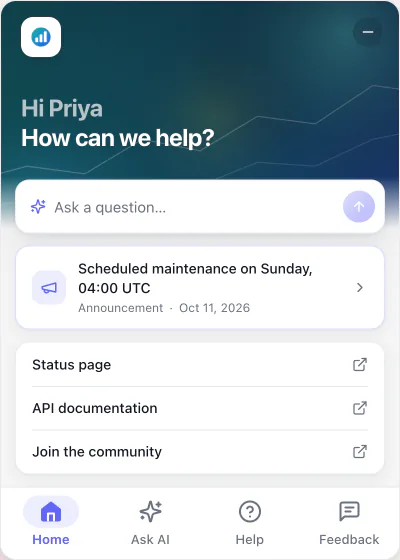
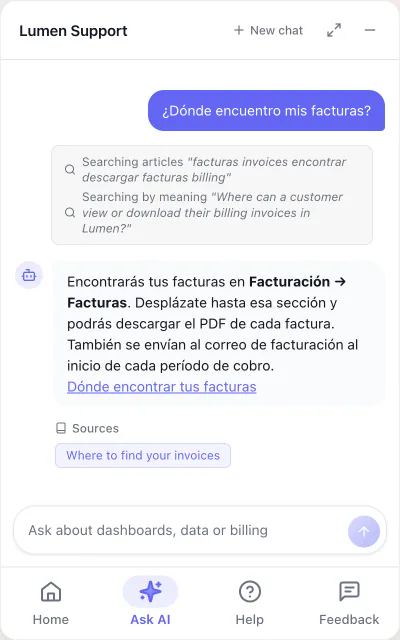
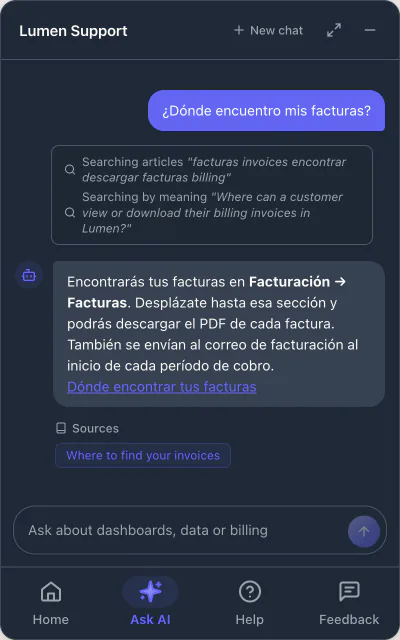
The widget's AI chat searches your help center before it answers, replies in the visitor's language and shows the articles it used.
Give it your docs
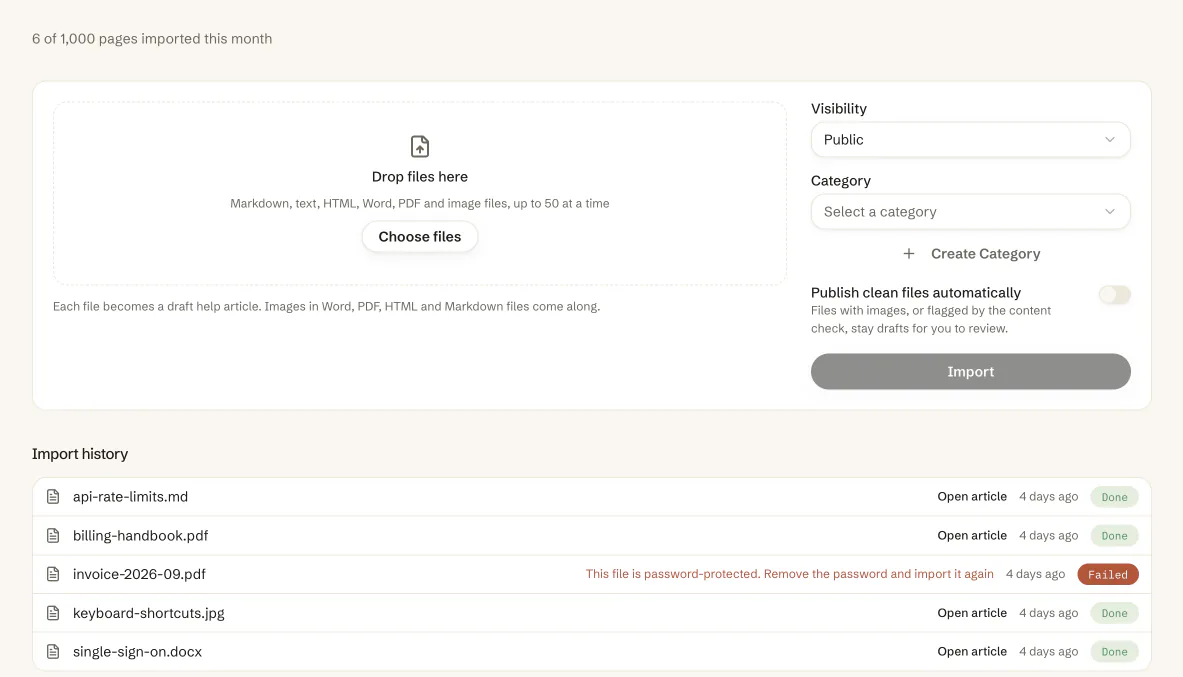
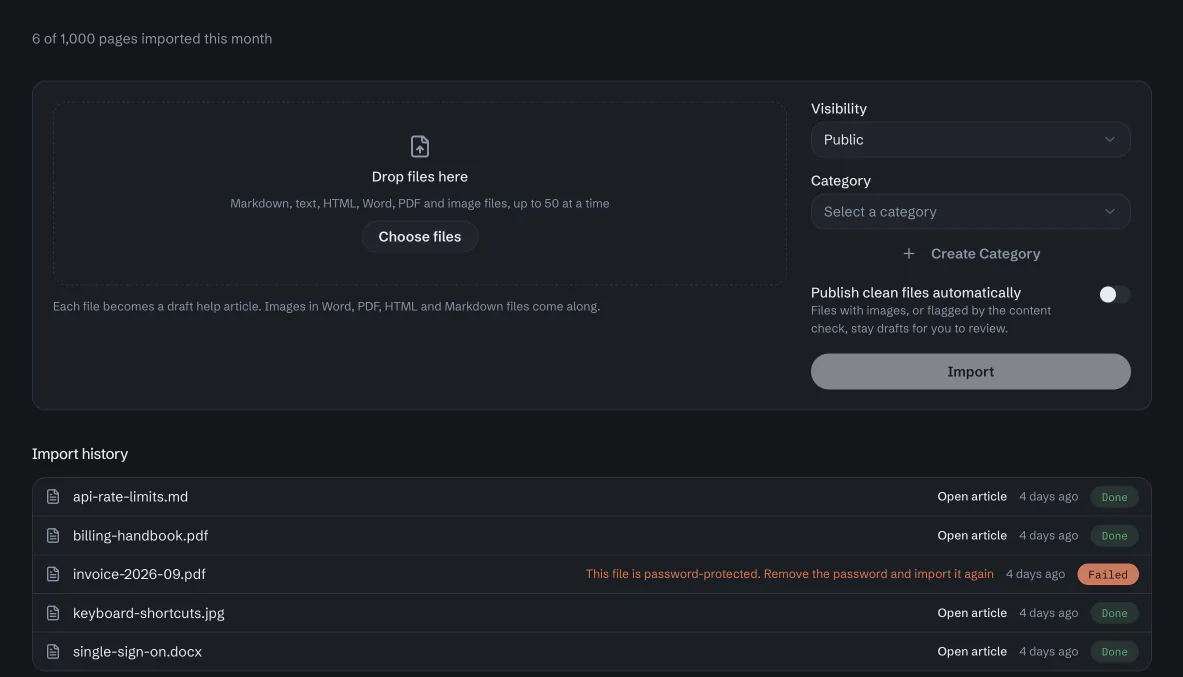
Write help articles in the editor, or import Markdown, text, HTML, Word, PDF and image files. An AI model reads scanned pages and pictures of text. Mark an article Chatbot only, and the assistant answers from it without the article going public.
It answers on your site
A visitor asks in their own words and language. The assistant searches your articles, answers in that language and links to the articles it used. When nothing in your docs covers the question, it says so instead of guessing.
See what customers ask
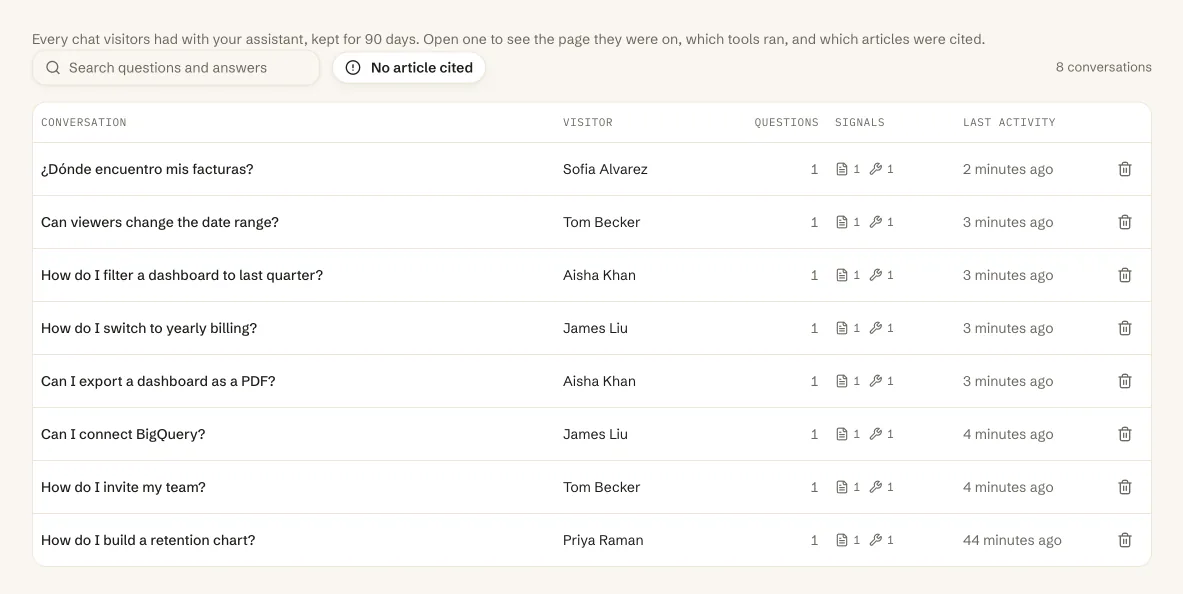
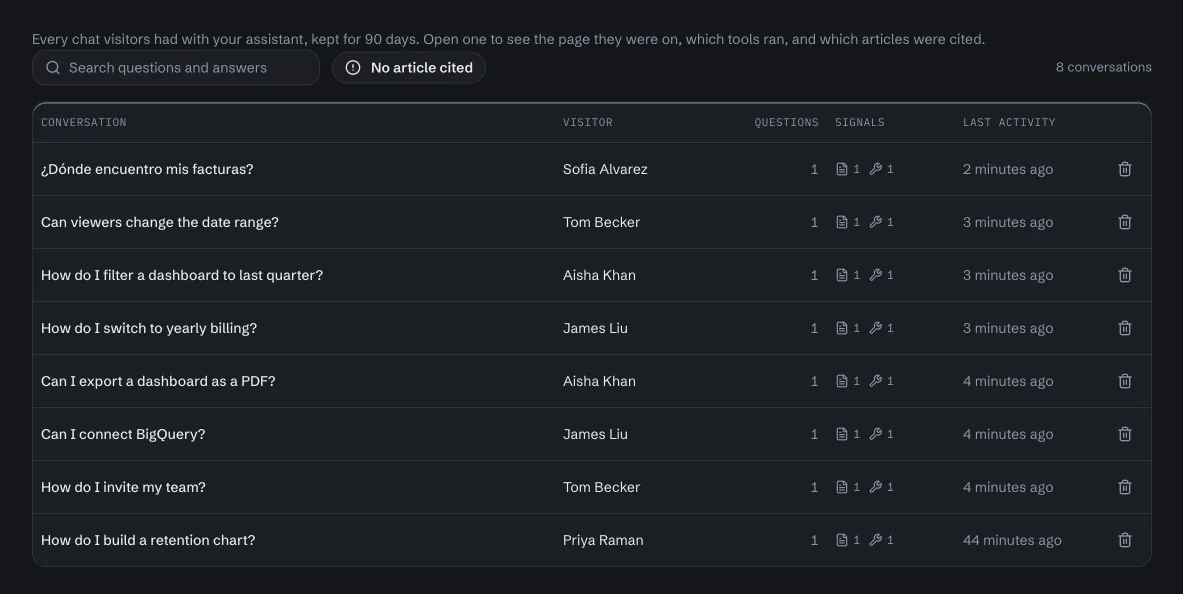
Every conversation stays for 90 days, with the page the visitor was on and the articles the answer cited. Filter the questions answered without a source to see which article to write next.
More than a chat
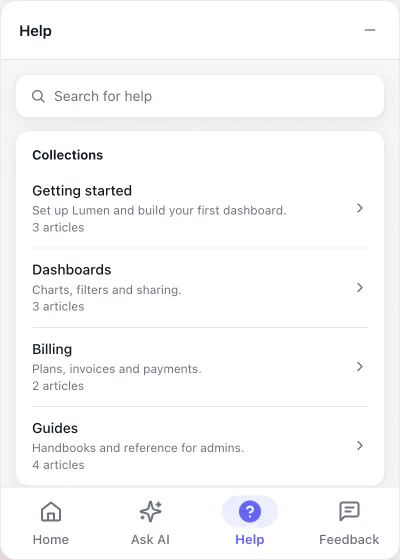
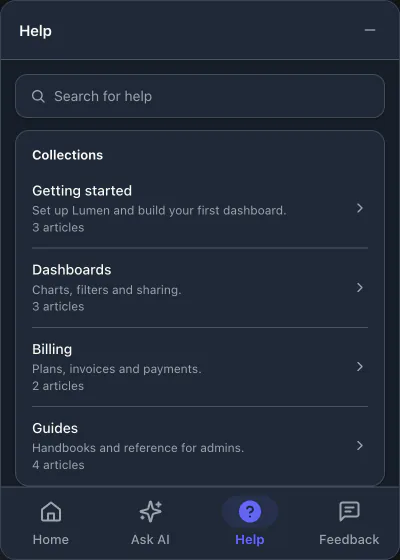
- The same widget has a Home tab with your latest news and links, a Help tab with your help center, and a Feedback tab that sends ideas to your team.
- It sees the page the visitor is on, its title, description and text, so a question about that page gets an answer about that page.
- Your own instructions set the assistant's tone and tell it what to recommend and when to point people to your support.
- Install it with one script tag, or with @kookee/react in a React app.
- Each answer uses one of your plan's AI answers. When the month's answers run out, the chat stops instead of billing you more.
- It is not a support inbox: there is no live chat, and messages from its Feedback tab wait for your team.
One dashboard for everything you publish.
Every module is on every plan. Turn on the ones you need, in any order.
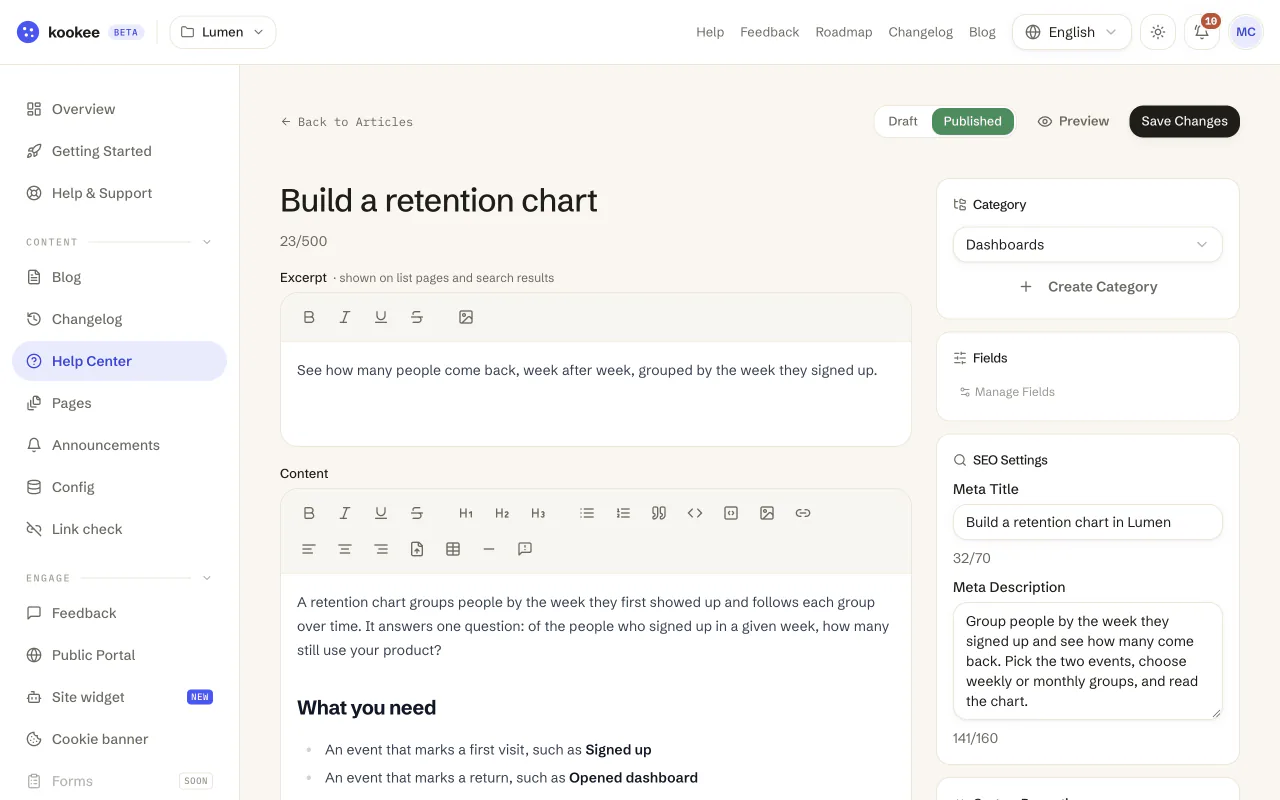
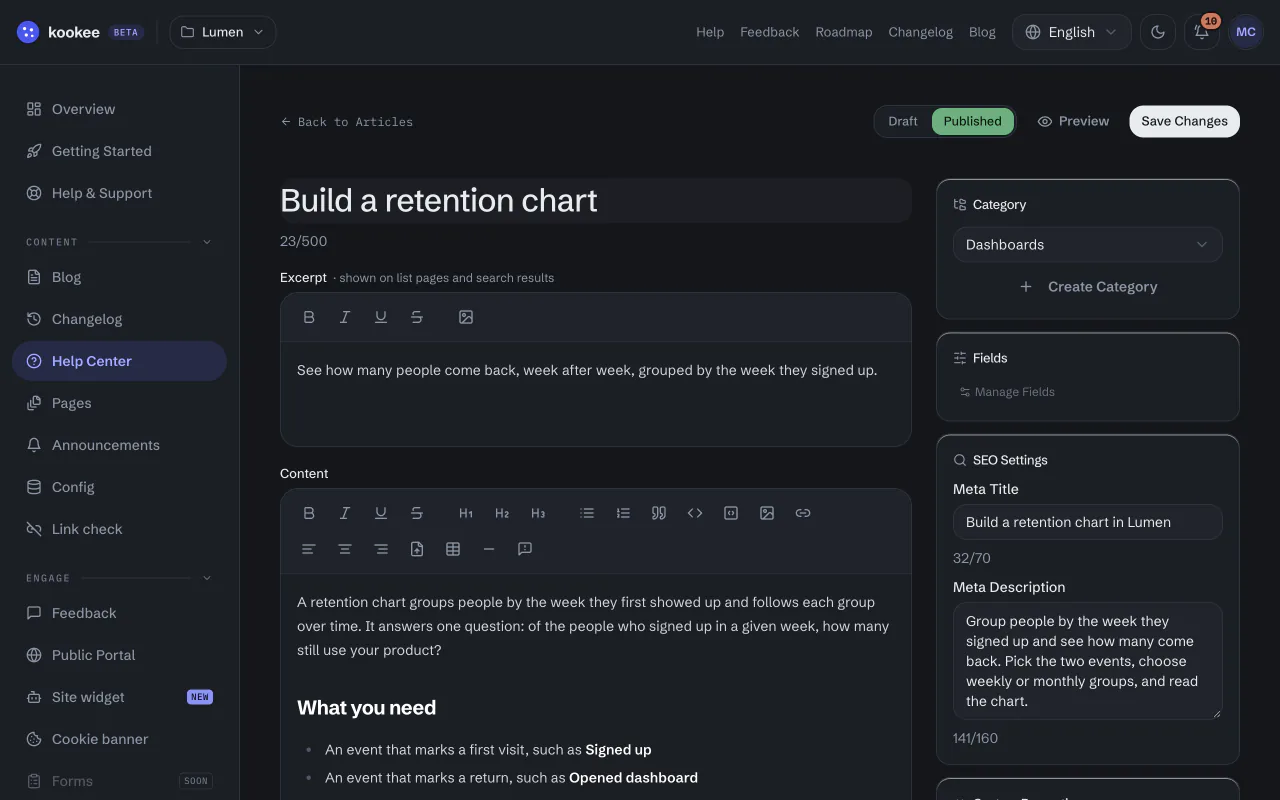
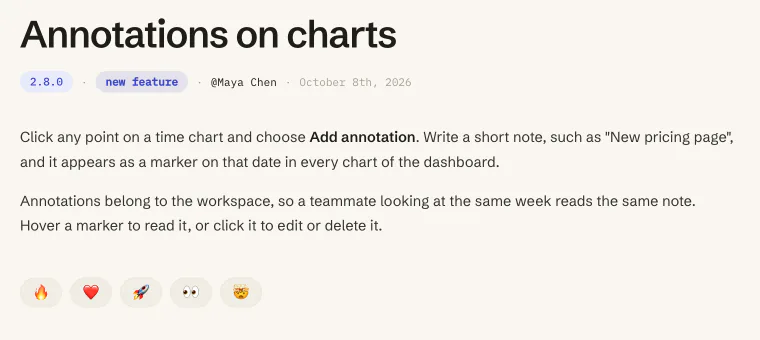
- Help CenterArticles in categories, search that understands questions, and a vote on whether each article helped.
- ChangelogRelease notes with a type and a version, and a "What's new" badge for the header of your app.
- BlogPosts with tags, categories, cover images and their own SEO title and description.
- Feedback and roadmapA board your users post ideas to and vote on, and a public roadmap built from its columns.
- Site widgetAI answers, help articles, your latest news and a feedback form in one corner of your site.
- Status pageIncidents, planned maintenance and 90 days of uptime per component, and monitors that tell you when your site goes down.
Also included: announcements, pages, remote config and a cookie banner. Custom fields come with Pro and Ultra.
Users vote. Your team decides.
Customers post ideas and vote on them in the portal. Your team sorts them into columns, assigns them and replies.
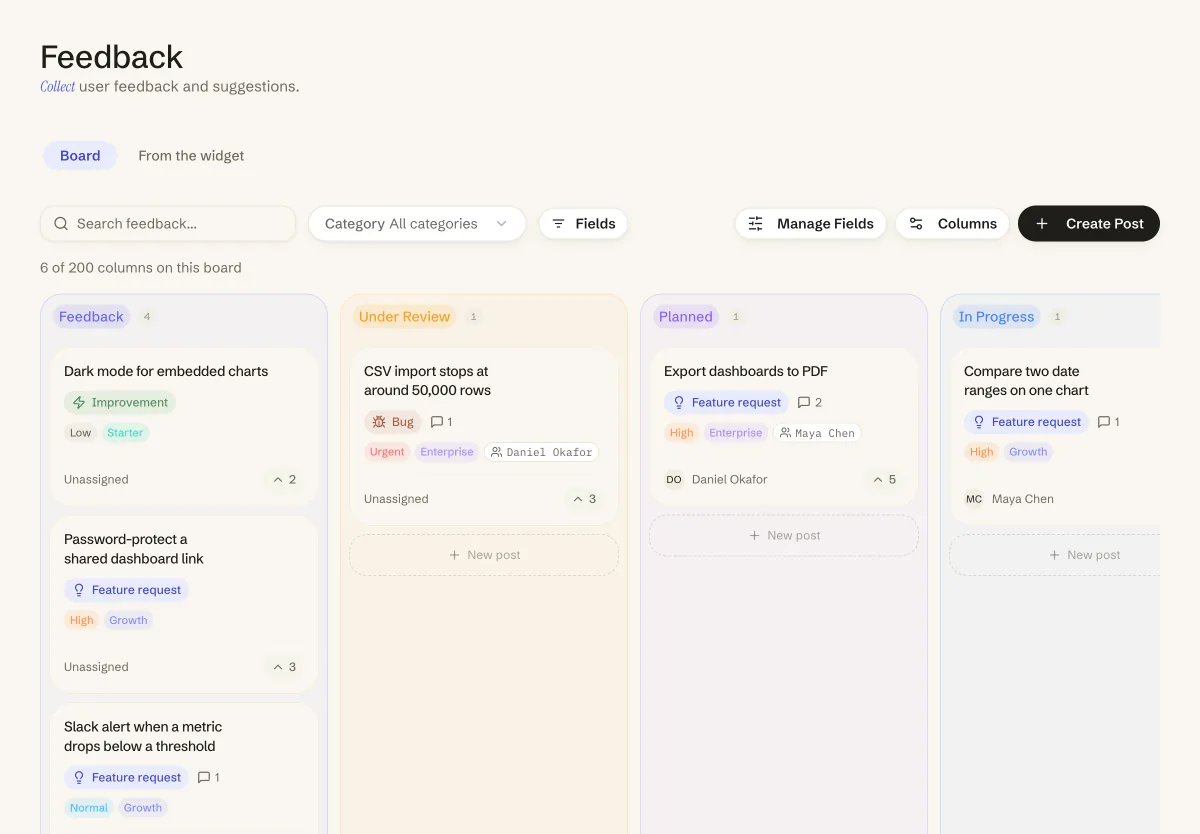
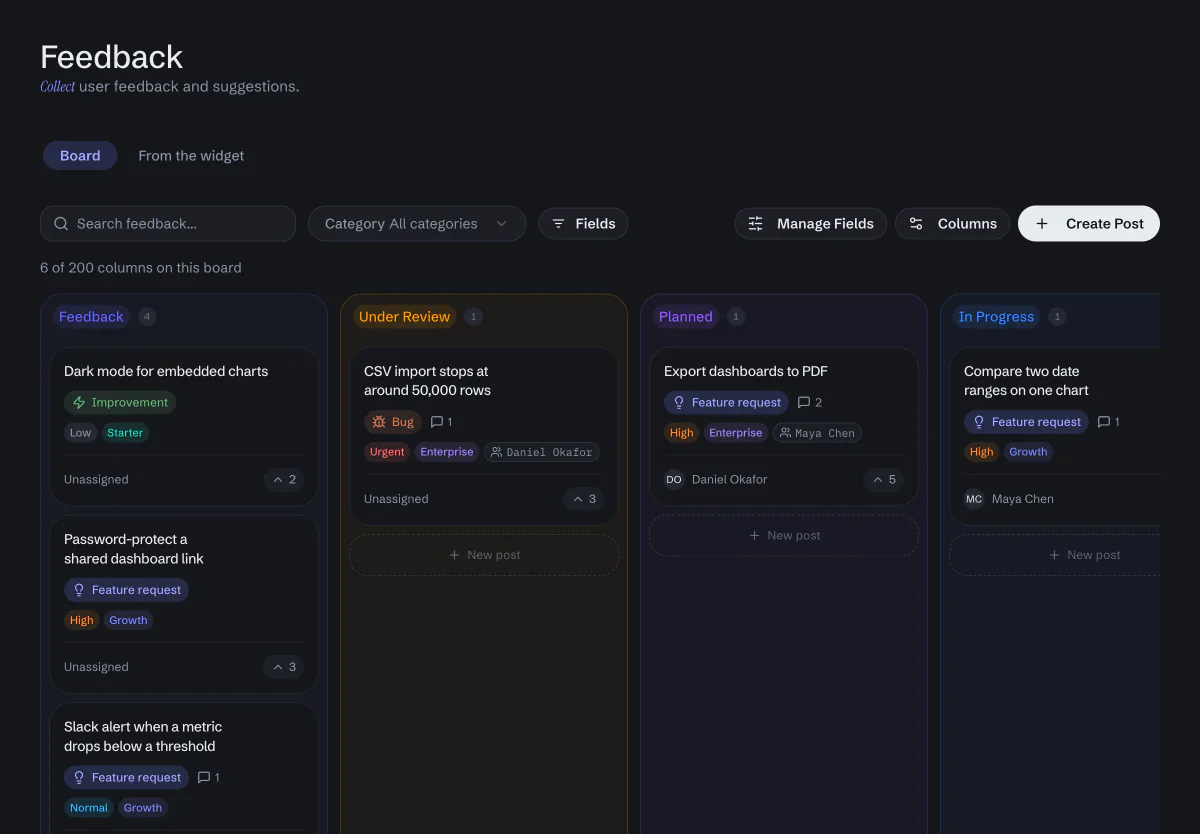
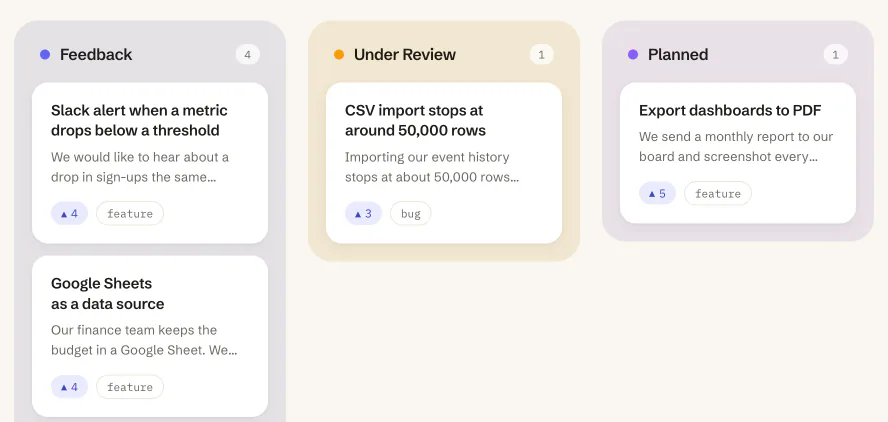
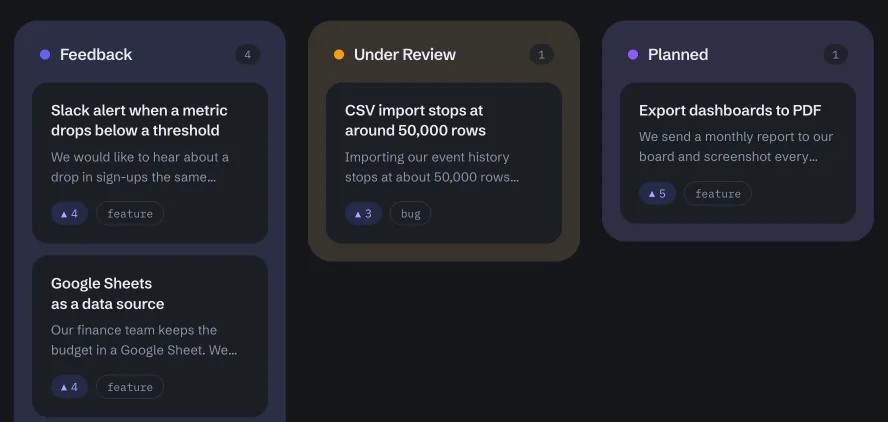
- Columns of your own, which the portal turns into a public roadmap.
- Messages from the widget's Feedback tab wait for review until you add them to the board.
- Fields of your own, such as priority or plan, on Pro and Ultra.
- New posts go to Slack, Discord or Telegram, or become issues in GitHub or Jira, on Pro and Ultra.
Write and triage from Claude or Cursor.
Kookee has an MCP server. Your AI agent can read your content, write drafts, translate entries and sort the feedback board.
- Claude and ChatGPT connect when you sign in to Kookee from them. Cursor and scripts use a personal token.
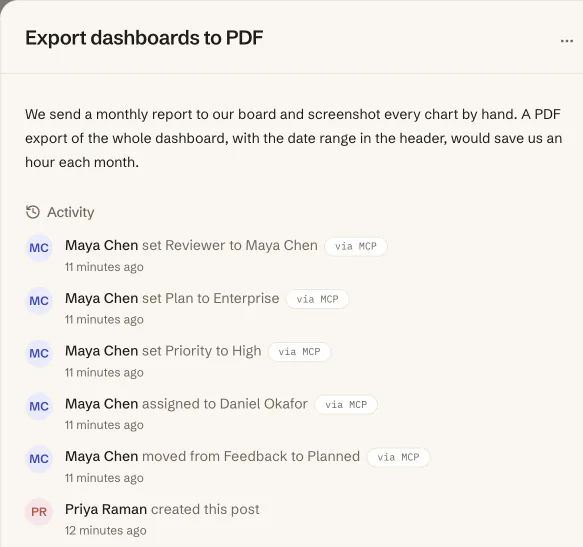
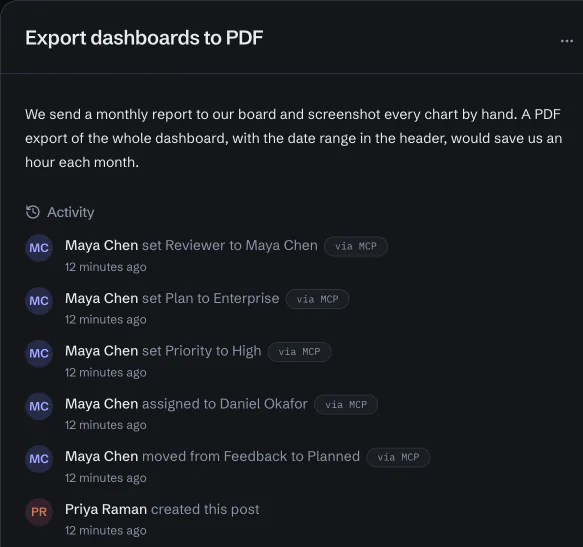
- A connection only reads until you allow it to write, and what it changes on the board is marked "via MCP".
- An agent translates posts and articles into your other languages, and Kookee marks a translation as outdated when the original changes.
This site runs on Kookee too.
Our help center, blog, changelog, feedback board and roadmap come from the same API you would use.
One price, every module.
Every plan has every module. Paid plans raise the limits and add custom fields and integrations, and no plan charges per seat.
- 50 AI answers a month
- 1 project
- 3 team members per project
- 100K API requests a month
- 50 imported pages a month
- 1 GB storage
- 25 MB max file size
- 2 webhook endpoints per project
- Status page with 10 components per project
- 3 uptime monitors per project, checked every 5 minutes
- Blog, changelog, help center
- Feedback boards & roadmap
- Remote config & flags
- 450 AI answers a month
- 5 projects
- 10 team members per project
- 2M API requests a month
- 1,000 imported pages a month
- 10 GB storage
- 250 MB max file size
- 10 webhook endpoints per project
- Status page with 50 components per project
- 20 uptime monitors per project, checked every minute
- 5 custom fields per content type
- Integrations: Slack, Discord, Telegram, GitHub, Jira, Asana and Freshdesk
- No "powered by kookee.dev" badge
- Everything in Free
- Priority support
- 1,650 AI answers a month
- 25 projects
- 100 team members per project
- 10M API requests a month
- 5,000 imported pages a month
- 50 GB storage
- 500 MB max file size
- 50 webhook endpoints per project
- Status page with 200 components per project
- 100 uptime monitors per project, checked every minute
- 25 custom fields per content type
- Integrations: Slack, Discord, Telegram, GitHub, Jira, Asana and Freshdesk
- No "powered by kookee.dev" badge
- Everything in Pro
- Priority support
Need more than Ultra? Contact us.
Questions, answered plainly.
Start with one page. Add the rest later.
Create a project, write your first article and turn on the portal. The free plan has every module.