Adding somebody to a project used to mean typing their address and waiting for the mail to arrive. Now you can hand them a link.
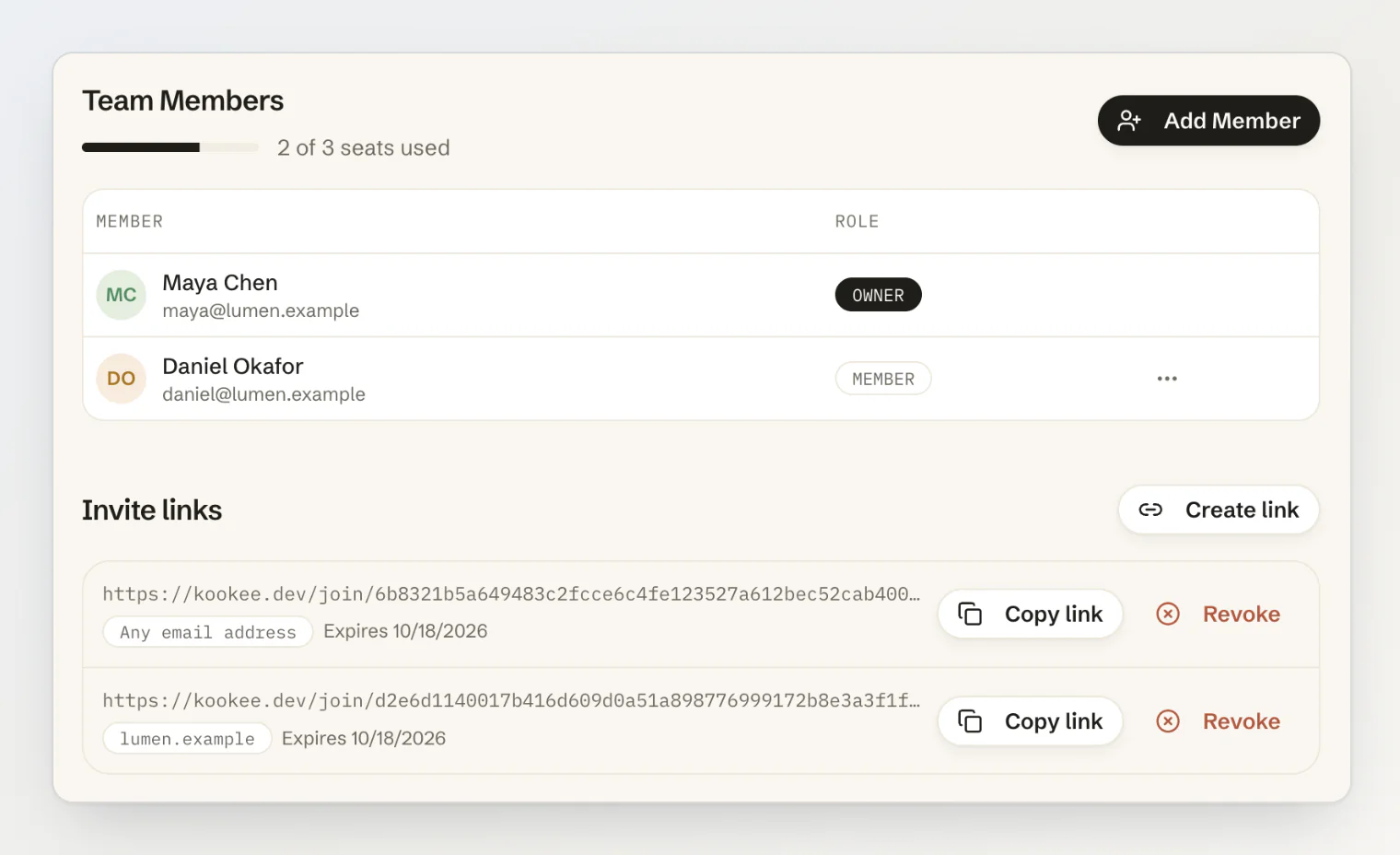
Invite links
Owners and admins create a link under Invite links on the project's Team page.
Restrict it to up to five email domains, and only people with a verified address on one of them can use it. Leave it empty and any address works.
Choose an expiry of 7 days, 30 days or never. 30 days is the default.
Revoke any link in one click. Links are also revoked automatically when the person who created them is removed from the project, demoted out of owner or admin, or banned.
Everyone who joins through a link arrives as a member. A link can never grant admin rights.
Plan and usage
Every project now shows what its plan allows next to what it is using: team seats, entries, API keys, categories, tags, entry types and configs. Lists warn as they fill up instead of failing when they are full, and pending invitations hold a seat until they are accepted, declined, revoked or expire.
Free projects hold 3 people, Pro 10, and Ultra 100.
Also in this release
Inviting several people at once: paste a list of addresses into Add Member instead of sending one invitation at a time.
An address that already belongs to a verified account is added to the project straight away, rather than being sent an invitation it does not need.
Members no longer see errors on the Team page for the invitation list they were never allowed to read.