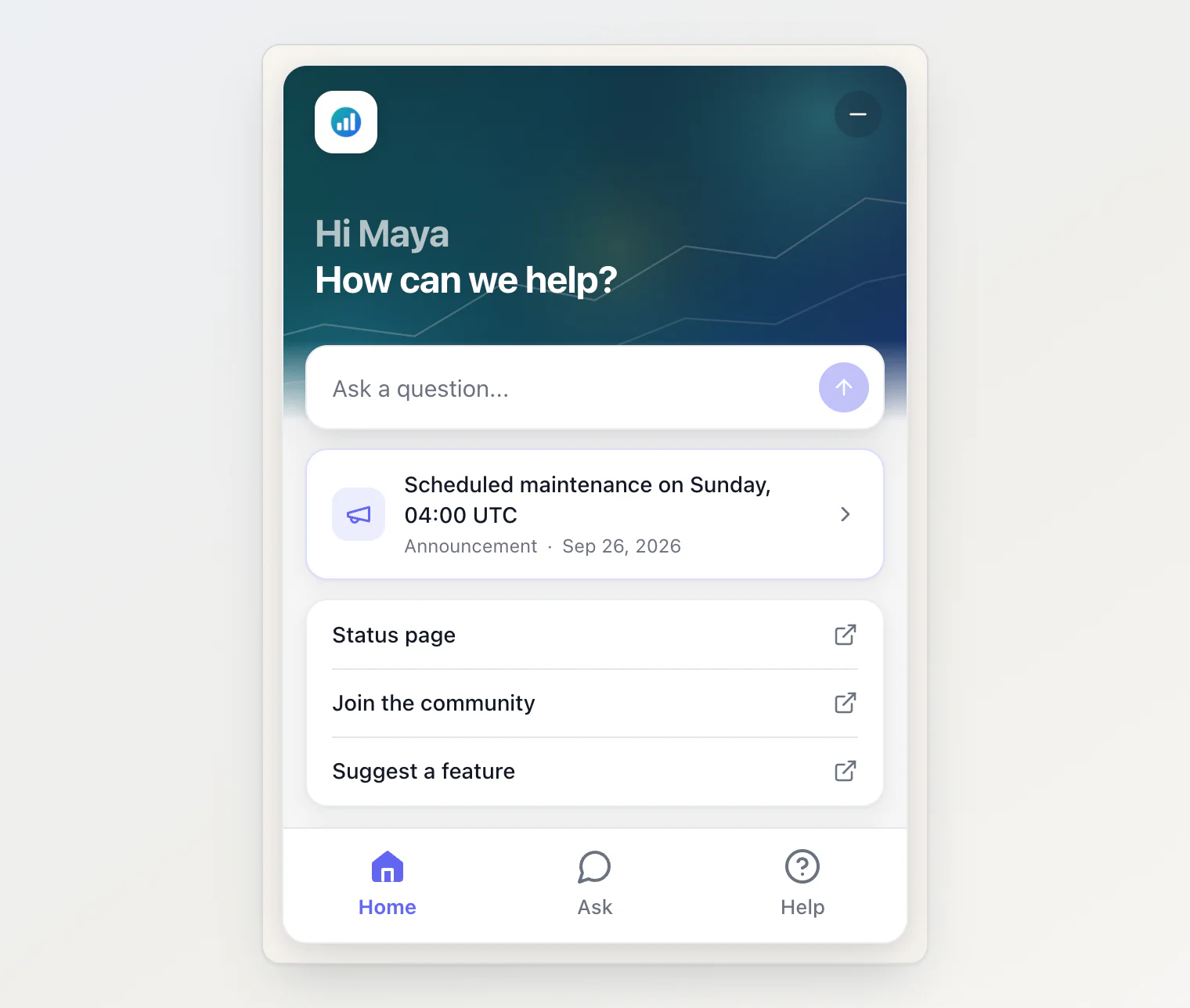
The top of the widget's Home can now show an image instead of your accent color, and the logo beside it is set where every project can reach it.
New
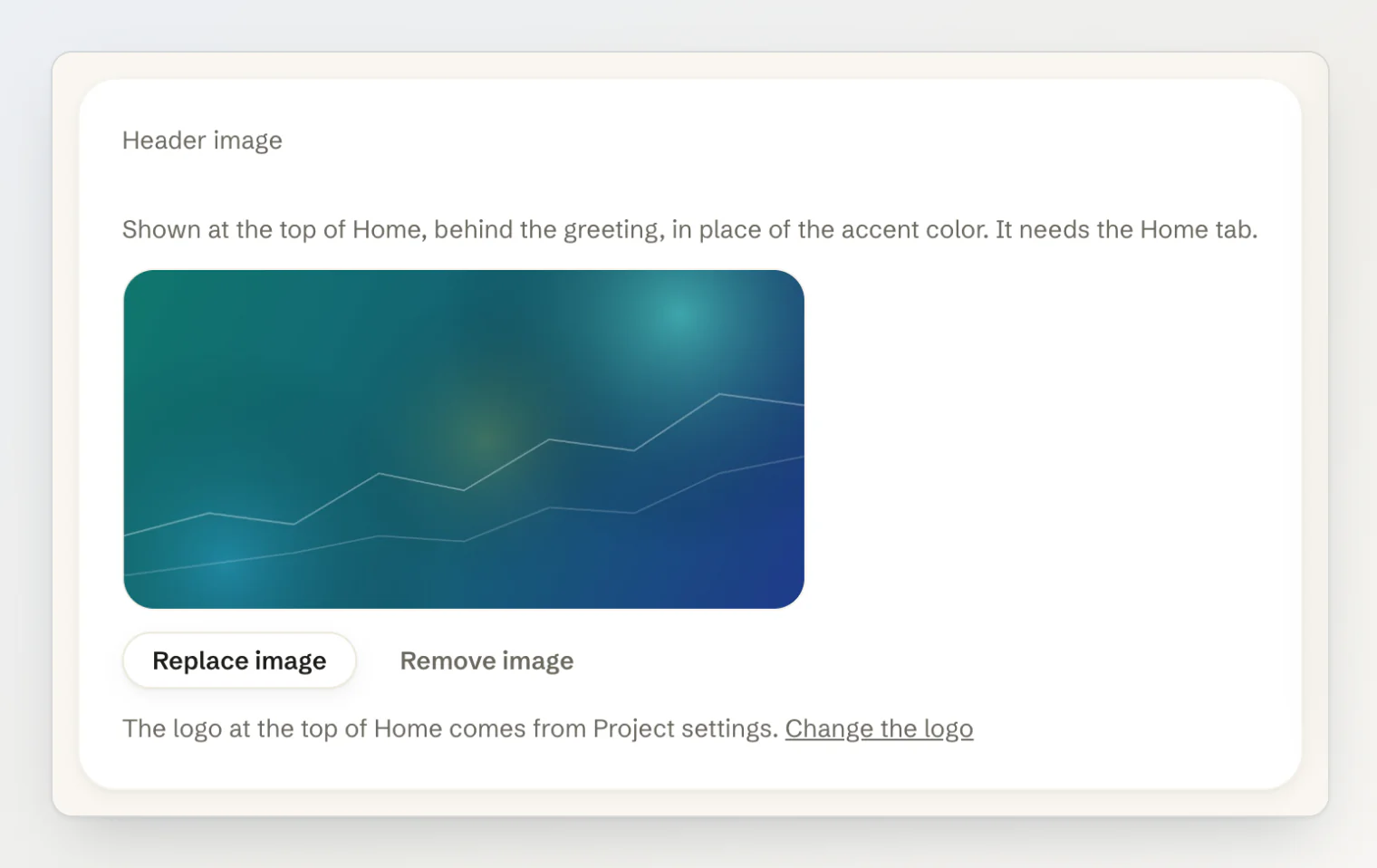
A header image on Home. The new Header image card on Site widget → Customize uploads an image that Home shows behind the greeting, under a dark shade that keeps the text readable. It shows in the Live Preview before you save. Uploads are resized to at most 1200 pixels wide and saved as a JPEG, so a large photo still loads quickly.
The logo moved to Project settings. It used to be on the Public Portal page, and only while the portal was switched on. Now any project can set it, and it shows on your project card, in the portal header and at the top of the widget's Home.
Improved
More room for busy sites. The widget asks for its settings once per page load, and that request now allows ten times your plan's API rate limit, so a busy site no longer falls back to the plain chat at peak traffic. It still does not count against your monthly API quota.
Fixed
No line under Home's header. On some screens a one-pixel line in the accent color showed where the header fades into the page. It is gone, with or without an image.
Getting it
The script tag at https://kookee.dev/chat/latest.js picks all of it up with no change to your site. From npm, update to @kookee/react 1.11.1 and @kookee/sdk 1.11.1.
Then upload the image on Site widget → Customize and your logo on Project settings. See Add Home and Help tabs to your widget in the help center.