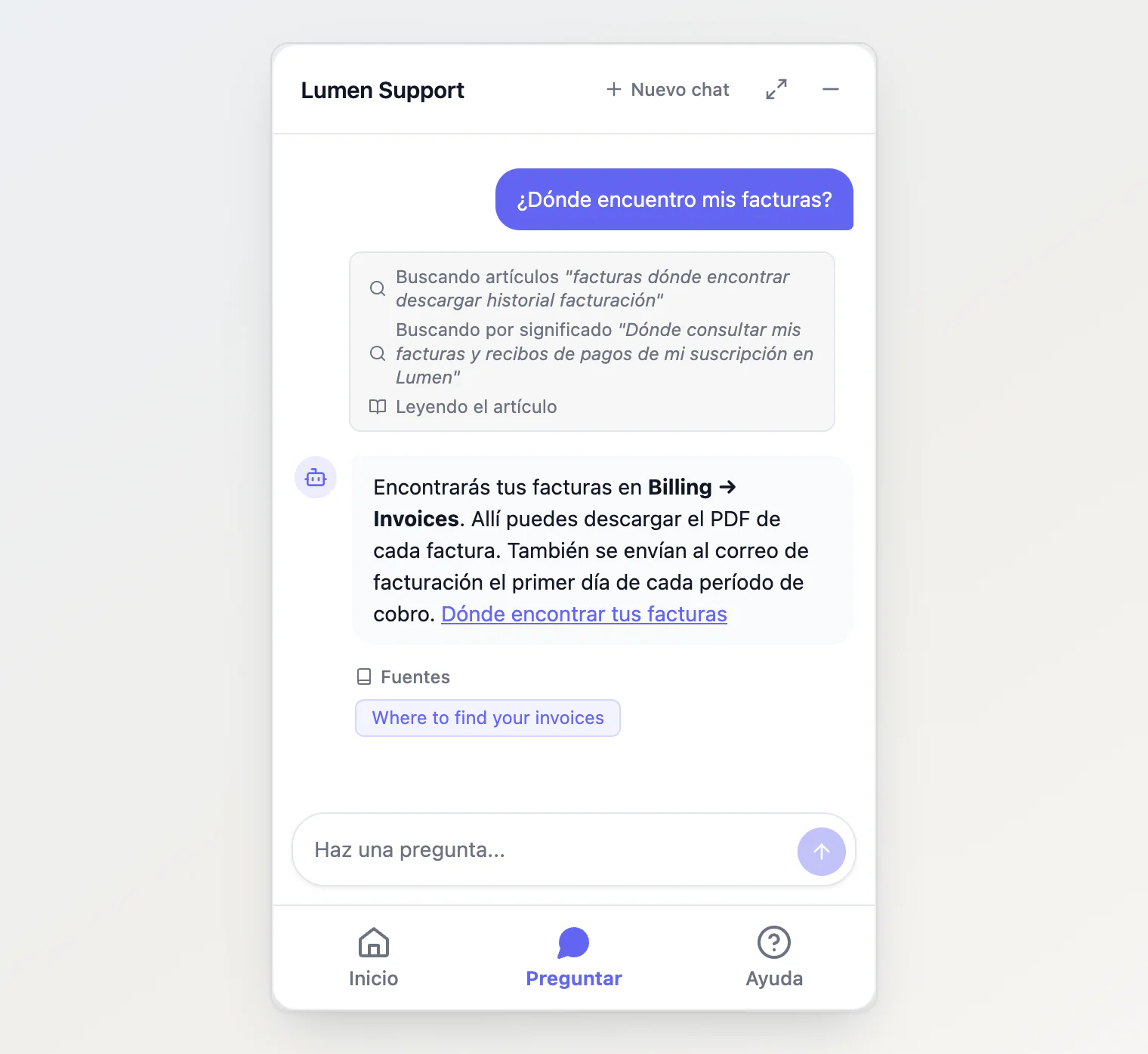
The site widget now takes its language from the page it is on, and everything in it follows: its buttons, your help articles and the assistant's answers.
New
The widget follows the page's language. It reads
<html lang>, then the visitor's browser languages when the page declares none, then your project's default language. When a single-page app changes<html lang>, the widget changes with it, and the conversation stays.Its own text in five languages. Tabs, buttons, the question box, error messages, the lines that show what the assistant is doing, dates and counts come in English, Russian, Spanish, French or Portuguese.
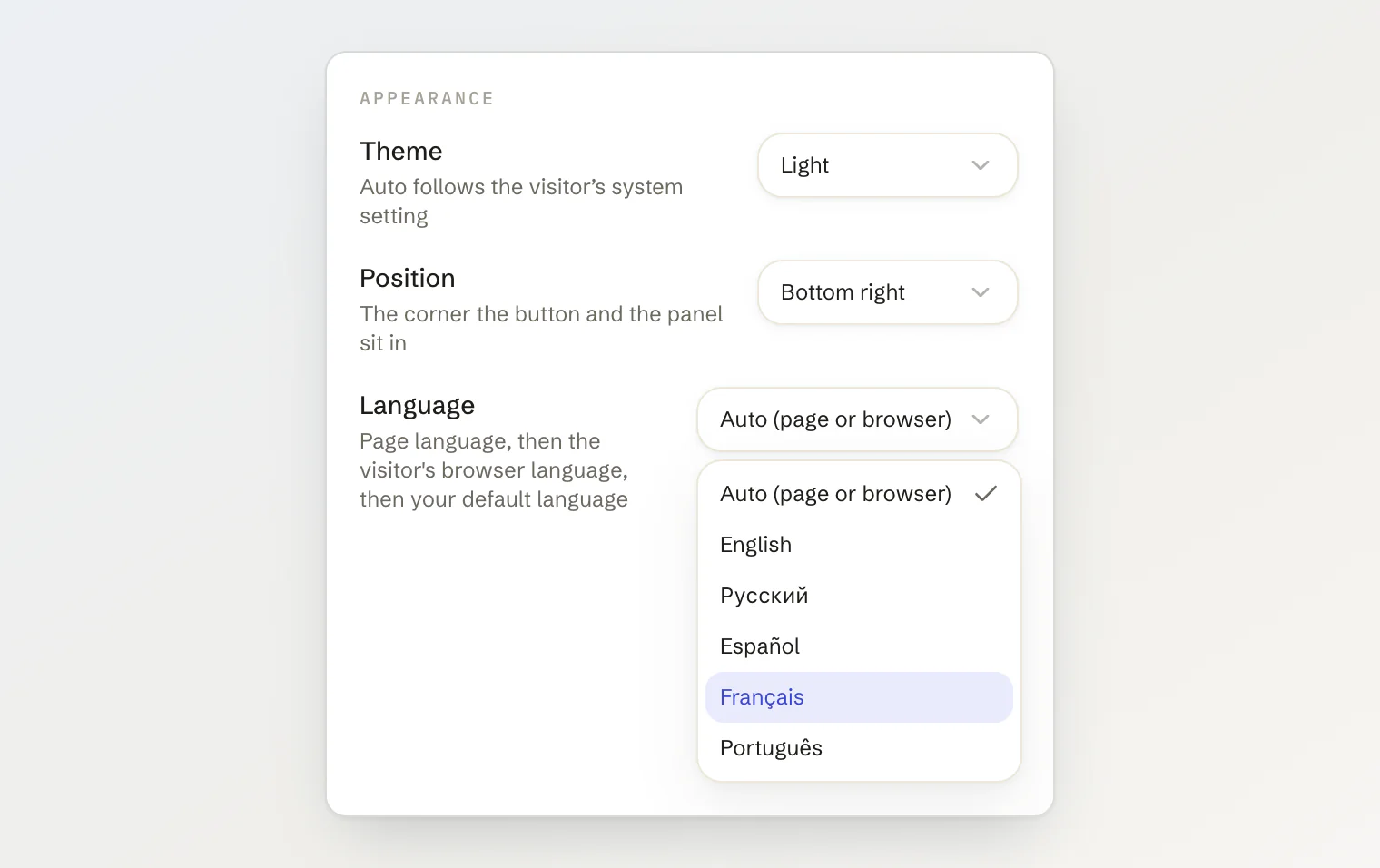
labelsreplaces any of them, or brings another language.KookeeChat.setLocale()switches the language while the widget runs, andsetLocale()with nothing goes back to following the page.data-localeandlocaletakeautoas well as a language.A Language select on the Installation tab. It writes
data-localeinto the snippet when you pick a fixed language, and shows the preview in it.
Improved
Answers in the visitor's language. The assistant replies in the language of the visitor's latest message, and uses the widget's language only when that is unclear.
Regional language tags read the language you have.
pt-BRgets yourptcontent anden-USyourencontent, across the whole API. A tag in any case works, and so donbandnnfor Norwegian.
Fixed
Help kept its collections in other languages. Asking for a language with no translated categories, or for a regional tag such as
en-US, returned no collections at all. Categories now fall back to your default language, one per category.One version of each article. An article with a translation no longer shows twice in Help lists and search results.
Translated articles stay in their collection, and a collection's article count matches its list.
Getting it
The script tag at https://kookee.dev/chat/latest.js picks all of it up with no change to your site. From npm, update to @kookee/react 1.12.0 and @kookee/sdk 1.12.0.
One change in behavior: a site that sets no language now gets the one its page declares. To keep the widget in English whatever the page says, set data-locale="en", or locale="en" in React. See Show the widget in your visitors' language in the help center.