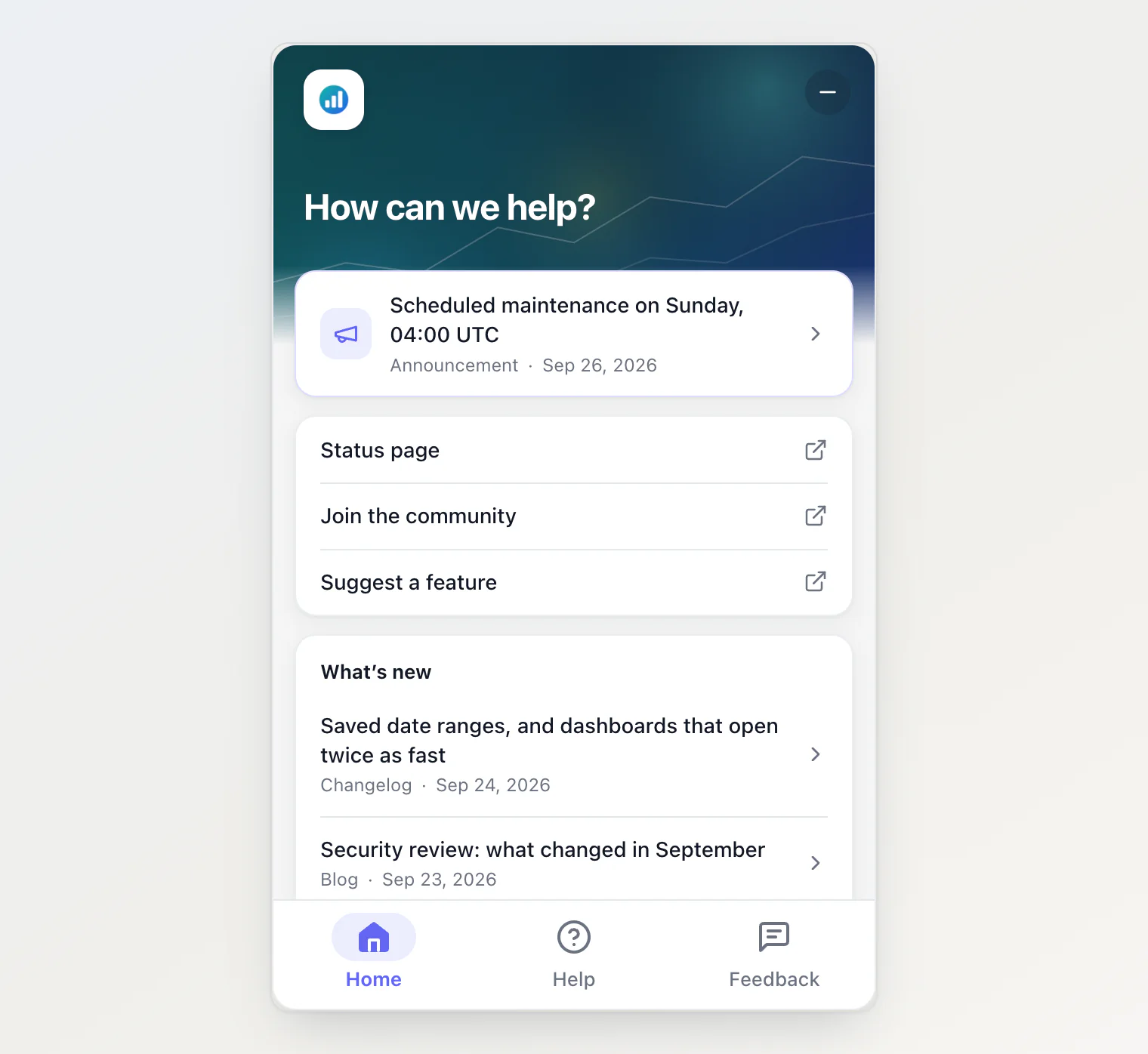
Until now the chat was the one tab you could not turn off. It is now a tab like the others, so the widget can be your help center, your news and a feedback form with no AI at all.
New
Ask AI can be turned off. Untick it in Site widget → Customize. Without it, Home has no question box, articles have no Ask about this article, and
KookeeChat.sendMessage()does nothing, so no answer is generated that nobody would see. Any set of tabs works as long as one is left: the last tab on cannot be unticked.A single tab shows on its own, without a tab bar. Help stays when it is the only tab, even before your first article is published.
The portal follows the widget. On the hosted portal, the Ask AI buttons of the help pages show only when the widget there has the chat.
Improved
The widget waits for its settings. A panel that opens with the page shows a short loading state until it knows its tabs, instead of showing the chat first and then switching. If the settings take more than five seconds, it shows the chat and still applies them when they arrive.
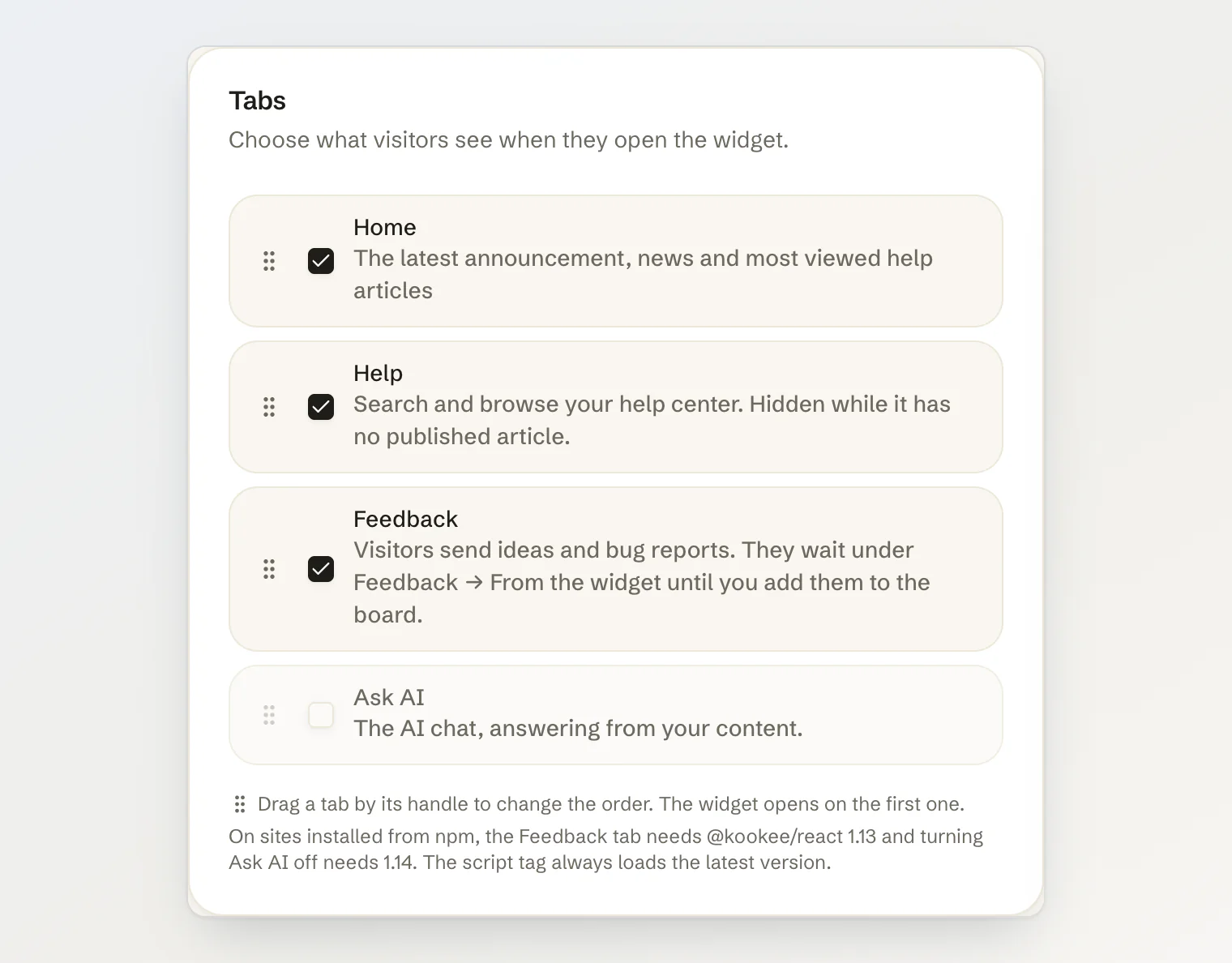
Clearer tab settings. The Tabs card says how to reorder tabs by dragging, and the npm version notes moved under the list. A row no longer stretches while you drag it past a taller one.
Changed
Tabs set in code are used as given.
data-tabs="home,help"ortabs={['home', 'help']}used to get the chat added; they now show exactly those tabs. Addaskto keep the chat.open()with a tab the widget does not show opens its first tab. In the plain chat, that is still the chat.
Getting it
The script tag at https://kookee.dev/chat/latest.js picks this up with no change to your site. From npm, update to @kookee/react 1.14.0 and @kookee/sdk 1.14.0; older versions add the chat back to whatever tabs you save. See Add Home and Help tabs to your widget in the help center.