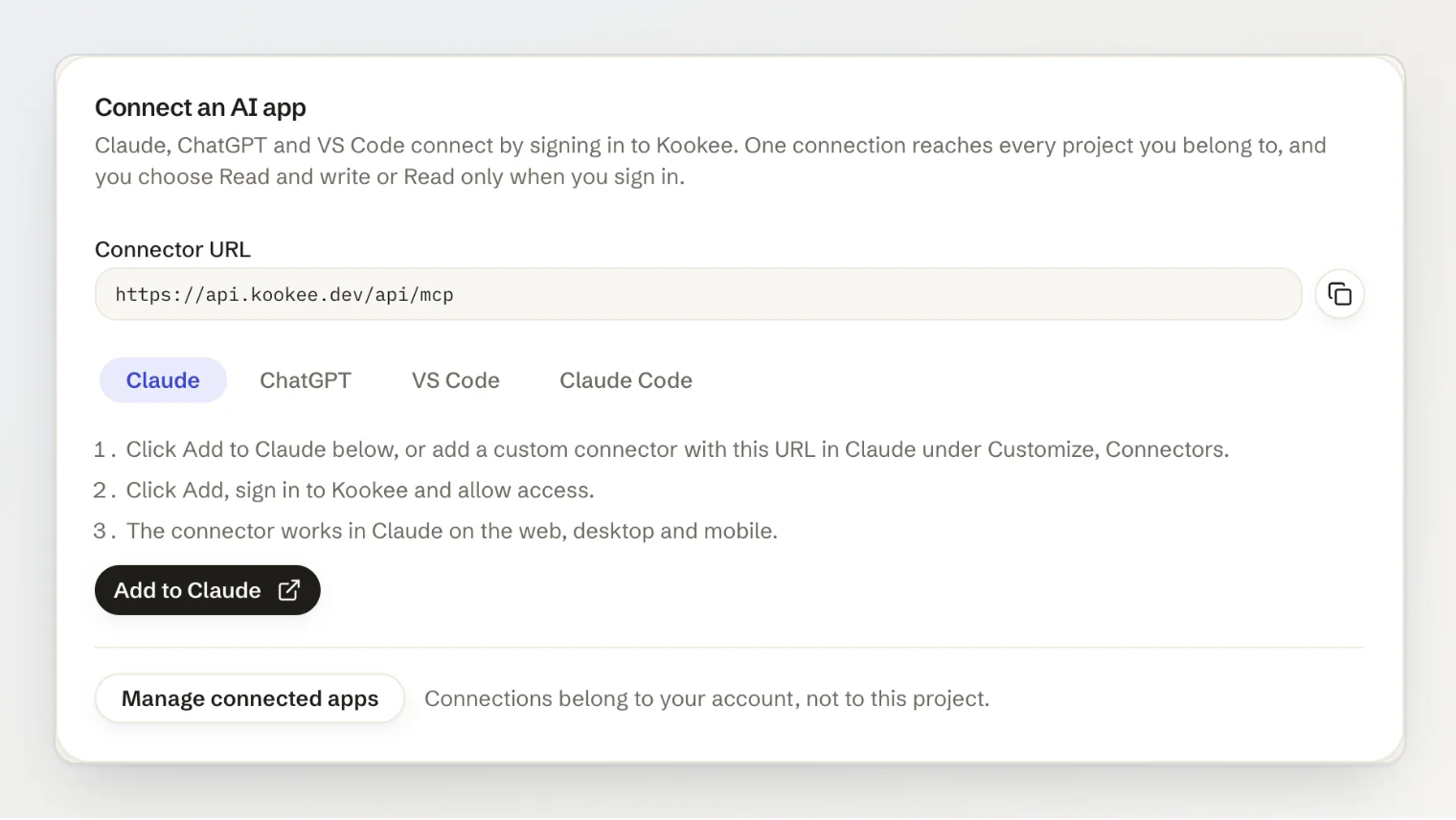
Claude, ChatGPT and VS Code can now connect to Kookee by signing in. Add one URL as a connector, sign in, choose what the app may do, and it is connected. There is no token to create or copy.
New
Connect by signing in. Add
https://api.kookee.dev/api/mcpas a custom connector in Claude, in ChatGPT's developer mode or in VS Code. Kookee asks you to sign in and to allow the app. In Claude the connector works on the web, in the desktop app and on mobile.Add to Claude. The MCP server page has a new Connect an AI app card with the URL and the steps for each app. Its Add to Claude button opens Claude's Add custom connector dialog with everything filled in.
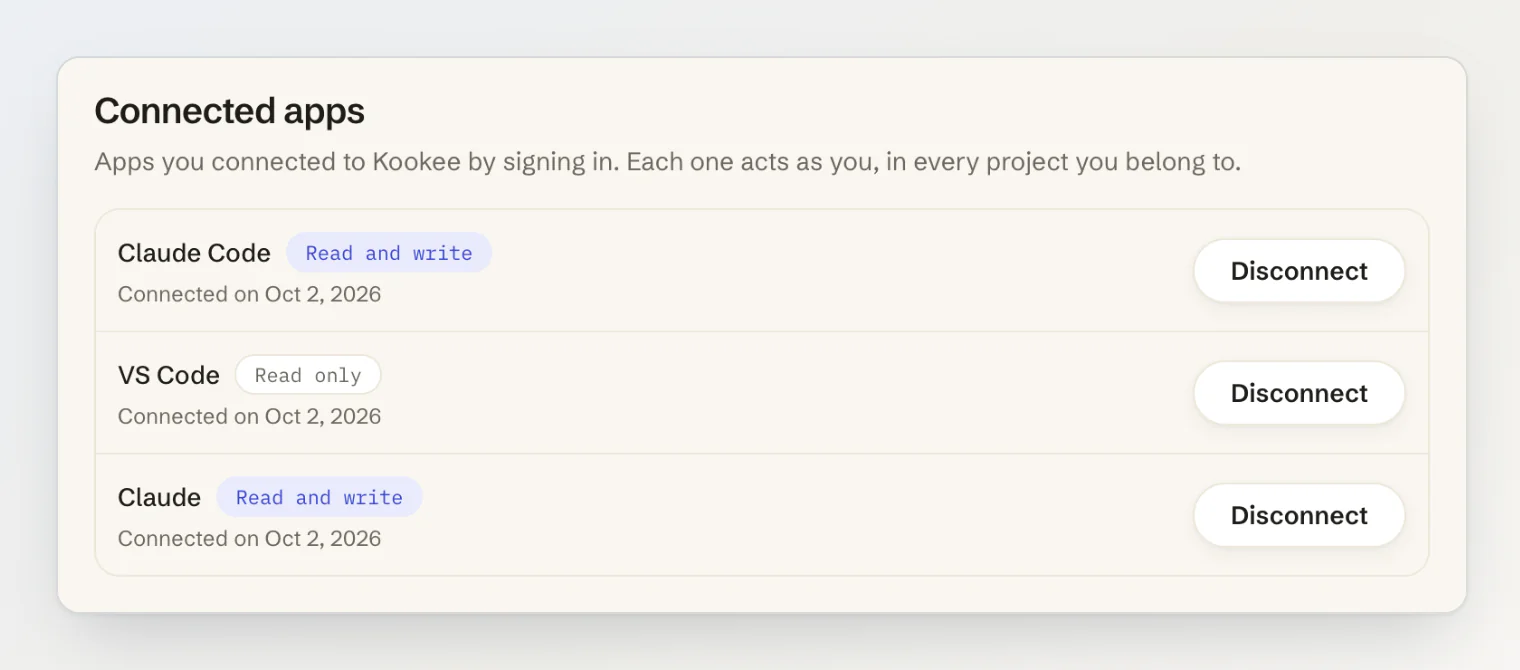
Read and write, or Read only. You choose on the consent screen when you allow the app. A read-only app is not offered the write tools at all.
One connection for all your projects. A connection belongs to your account and reaches every project you are a member of, with your role in each. When you are in more than one, name the project in your request; the new
list_projectstool lists them.Connected apps. Every app you connected is listed in your account settings, under Security, with its access, and you can disconnect any of them. Disconnecting takes effect on the app's next request, and changing or resetting your password disconnects them all.
Improved
Claude Code can sign in too. Run
claude mcp add --transport http kookee https://api.kookee.dev/api/mcp, then/mcpto sign in. Connecting with a personal token still works.Personal tokens in one card. Your tokens and the commands to connect with them now sit together under Personal tokens, the way to connect Cursor, scripts and CI.
Getting it
Nothing to install or update. Open Connect → MCP server in any project to start, and see Connecting Claude, ChatGPT or VS Code to Kookee in the help center.