Imported files now bring their pictures. A Word manual with screenshots, an HTML export or a PDF with diagrams becomes an article with its pictures in place, stored by Kookee like a picture you paste into the editor.
New
Pictures come along with imported files. Word files bring their embedded pictures, with their alt text. HTML and Markdown files bring pictures embedded in the file and pictures on the web, which Kookee downloads. A PDF brings the pictures on its text pages, after each page's text, and a logo repeated on every page comes in once.
Every picture is checked and converted. Each one is decoded and saved again as WebP, at most 2,000 pixels on its longest side, without its camera or location data. A file that only claims to be a picture is skipped, and so is SVG.
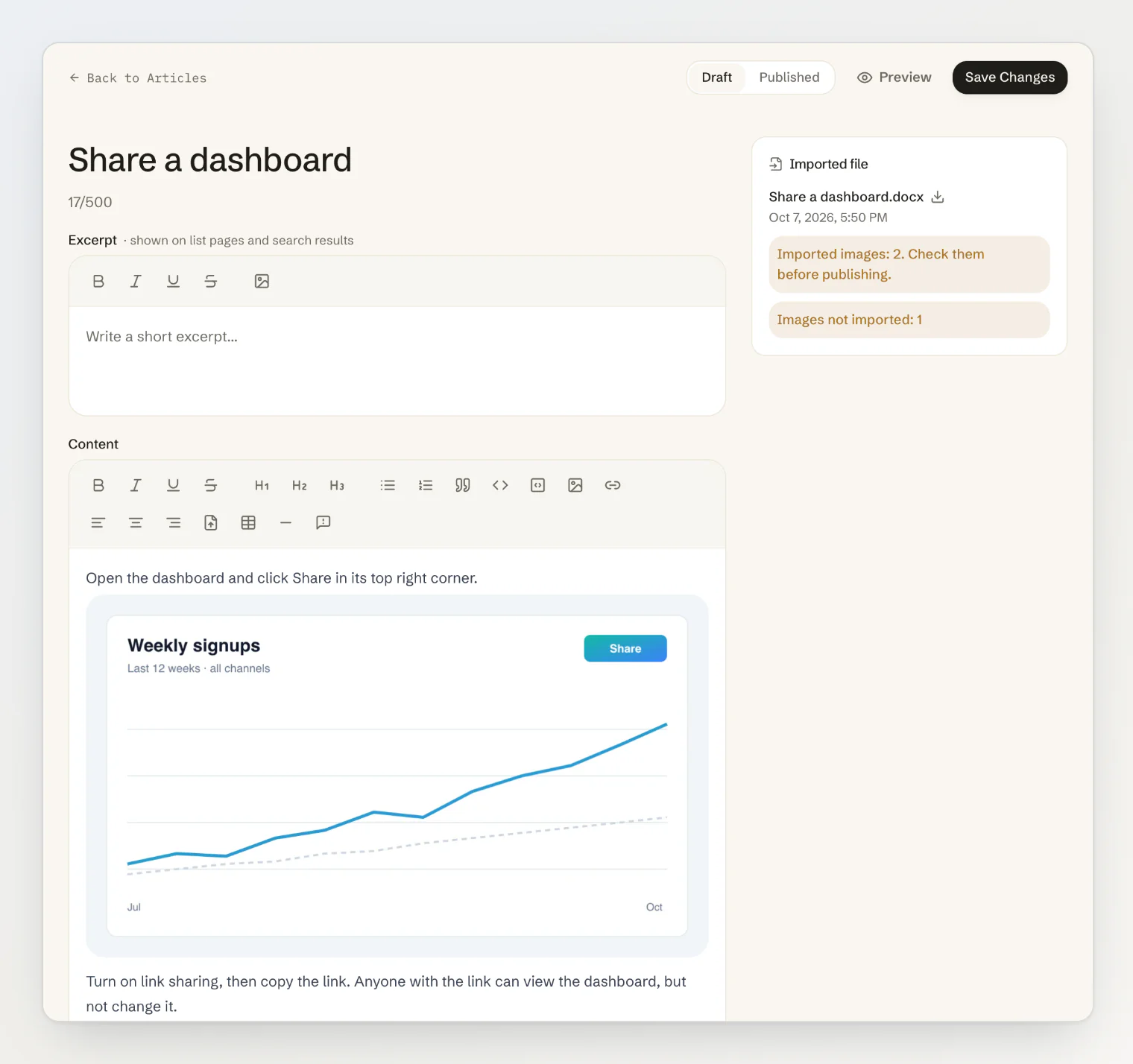
Pictures wait for a person. The content check reads text, not pictures, so an article with imported pictures always stays a draft, even with Publish clean files automatically on. The Imported file card counts the pictures that came in, and the ones that could not be imported.
Improved
PDF text keeps its structure. Headings from larger text, bold and italic, bulleted and numbered lists, and paragraphs joined across lines and pages. Page numbers and running headers are dropped, and a PDF that opens with a heading takes it as its title.
Download the original. Click the file name in the Imported file card to download the file the article came from.
A long list of flags stays short. The card shows the first three items, and a button such as Show 2 more opens the rest.
Fixed
The content check no longer reports formatting as a conversion problem. Some formatting is stored as a line of HTML in the article's Markdown, and the check used to flag it as raw HTML tags.
Getting it
Picture import is live for every project. See Import files into your help center for which pictures come along and how they count toward your storage.