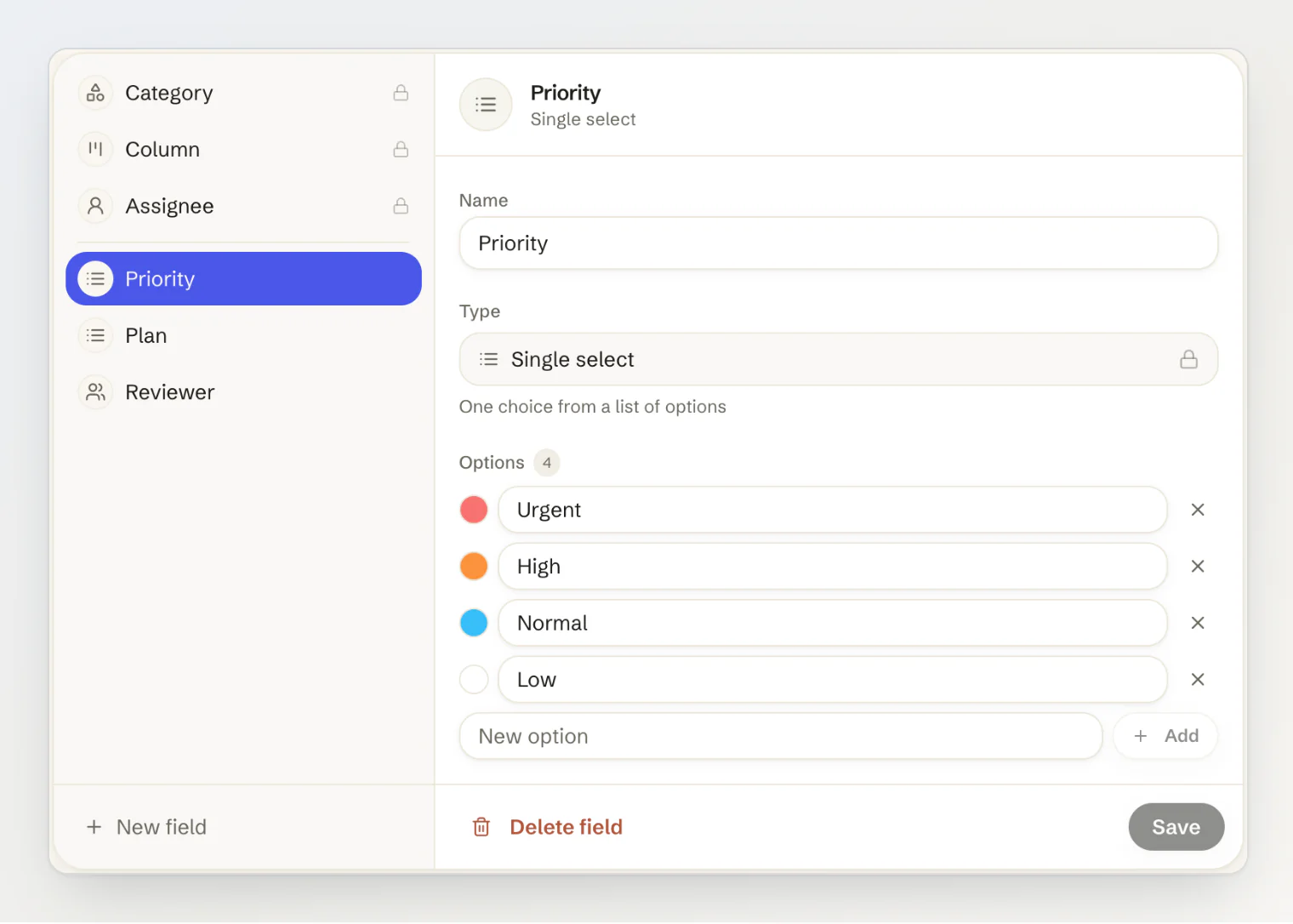
Every module now has fields of your own. Give feedback posts a Priority and the customer's Plan, help articles a Reviewer, or pages the date they were last checked, and fill them in next to the built-in fields.
New
Custom fields. Manage Fields in every module opens its Fields page. Add a text, number, date, checkbox, URL, email, phone, single-select, multi-select or member field, give select options colours, and drag fields into order. Up to 5 for each content type on Pro, and 25 on Ultra.
Values where you work. The editors have a Fields card, saved with the entry. A feedback post has Fields in its dialog, where each change is saved at once and recorded in the post's activity, and its card on the board shows up to three values.
Filter the board by its fields. Fields on the feedback board filters posts by the assignee and by any custom field: options, people, a checkbox, text, or a number or date range. The filter is part of the page address, so you can send someone the filtered board.
Choose what your site reads. A field on a blog post, help article, changelog entry, page or announcement reaches the public API while Include in the public API is on. Fields on feedback posts and member fields stay with your team.
Translations keep their values. A new translation starts with the values of the entry it translates.
From an AI assistant.
update_feedbacksets custom fields, andlist_feedbackfilters the board by the assignee and by field values.
Changed
The assignee is a built-in field. Assigning works as before, and the assignee now sits on the Feedback Fields page and in the board's filter.
Removing a member unassigns their posts. Removing someone from the project, or banning them, takes them off the posts assigned to them and off every member field.
The public feedback API no longer names the assignee.
assigneeis alwaysnullin public responses: who a post is assigned to is for your team only.
Fixed
A feedback post keeps one category. Two changes to a post's category at the same moment, from two people or from the dashboard and an AI assistant, could leave it with both.
Getting it
Custom fields are live for every project on Pro and Ultra, and the built-in fields stay on every plan. See Custom fields for your content and feedback for the details.